Here’s a step-by-step guide on how to vote on Flow State using your MetaMask wallet. Please follow the instructions carefully.
Step 1: Open the Voting Page:
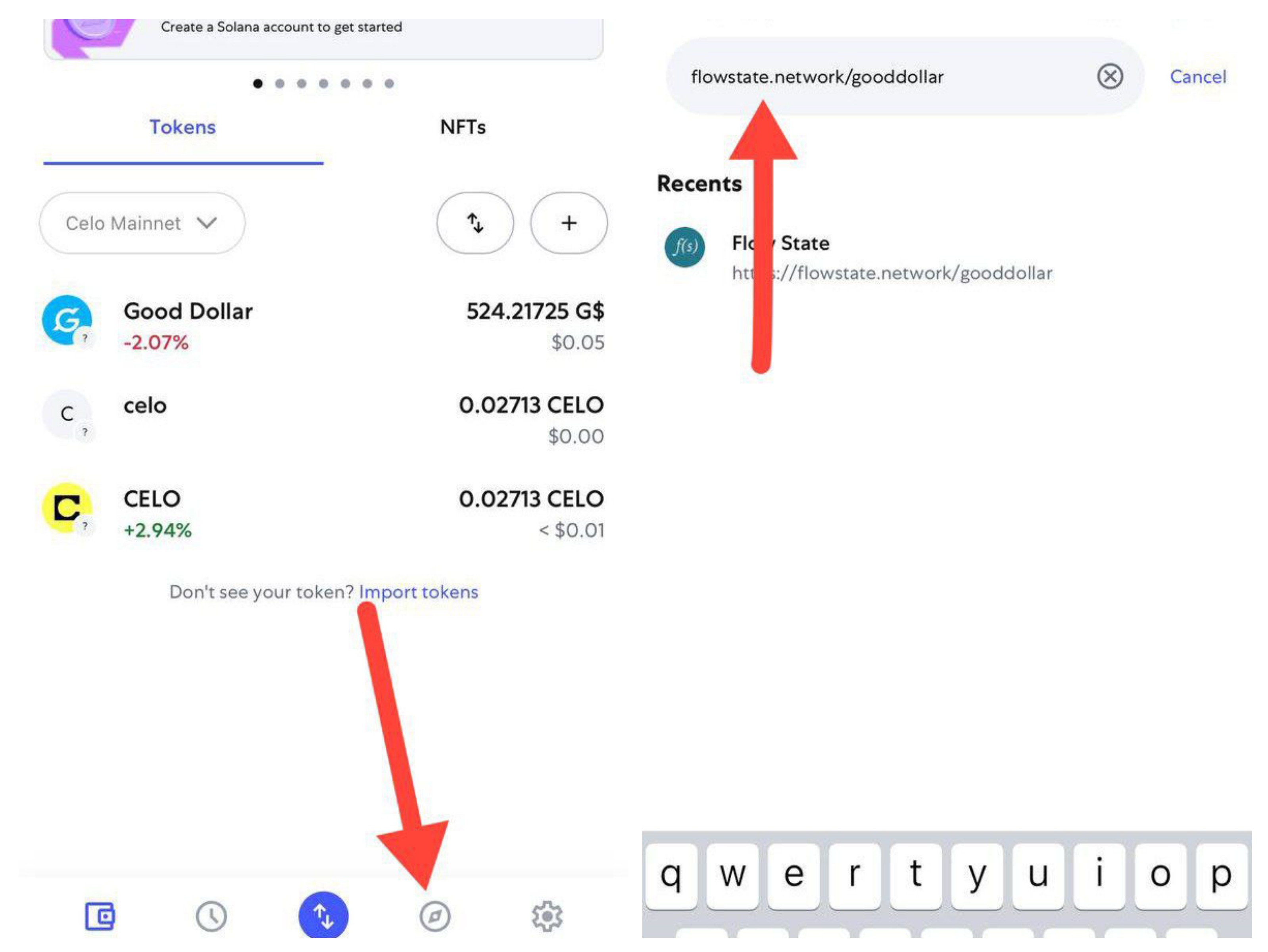
-Open your MetaMask app and navigate to the Dapp Browser.
-Paste the voting link: https://flowstate.network/gooddollar
Step 2: Connect Your Wallet:
-Tap “Connect Wallet”
-Select MetaMask
-Confirm the wallet connection when prompted

Step 3: Voting Rules:
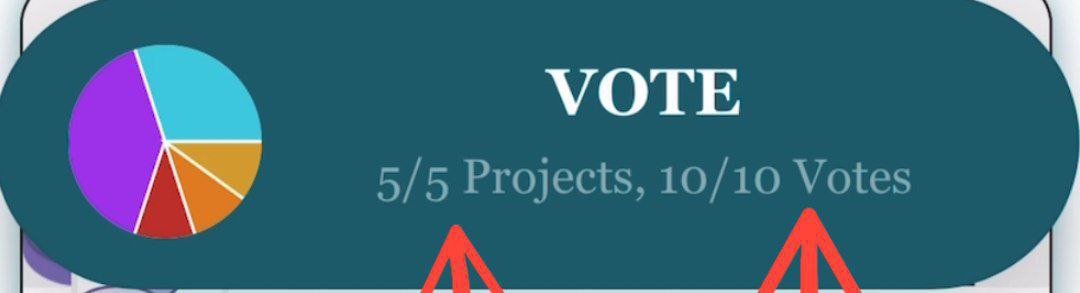
-You have a total of 10 votes
-You can vote for up to 5 projects
-You’re allowed to give more than 1 vote to your favorite project(s)
Step 4: Choose Projects:
-Scroll down to see all the listed projects
-Tap “Add to Ballot” on your selected ones
-Use the arrow icon to set the number of votes per project

Step 5: Submit Your Ballot:
-Once you’ve chosen and allocated your votes, scroll back up
-Tap “View Ballot”
-Then tap “Vote” to proceed

Step 6: Confirm the Transaction:
-A MetaMask prompt will appear
-Tap “Confirm” to finalize your vote

Step 7: Voting Complete!
You’ve successfully cast your vote.
Now, proceed to claim your Superfluid rewards for participating.
